
How to Accept Credit Card Payments on GunBroker Using Immediate Checkout (Authorize.Net Gateway Setup Guide)
If you sell on GunBroker, speed matters. Trust matters. Getting paid quickly matters.
EPIC Merchant Systems offers an Immediate Checkout Solution for GunBroker, powered by the Authorize.Net Payment Gateway, so you can accept payments smoothly and confidently.

If you are an FFL dealer selling firearms, parts, or accessories on GunBroker, you already know how important it is to make checkout simple.
The easier it is for your buyer to pay, the more sales you close.
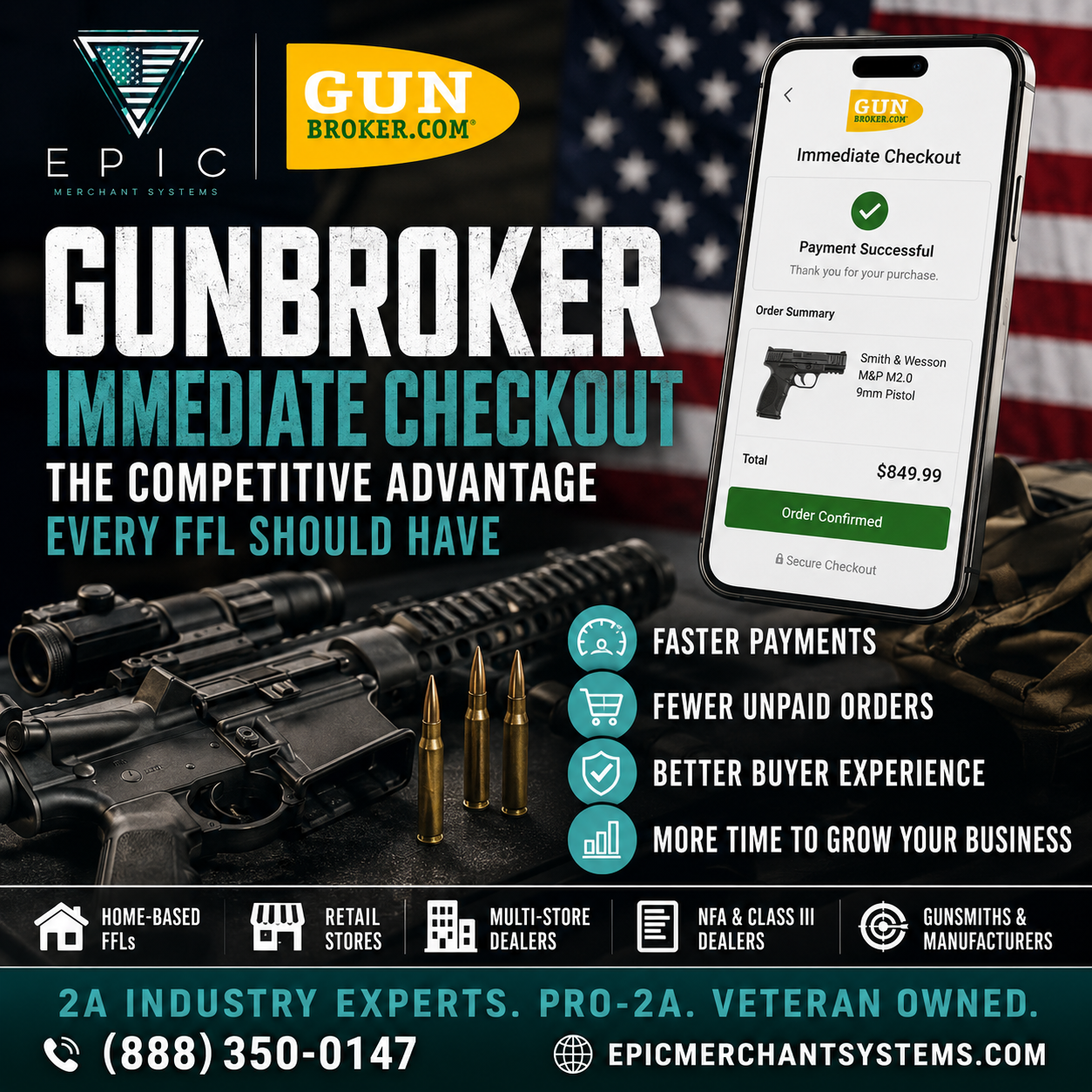
That is why GunBroker’s Immediate Checkout option is so powerful. It allows your customers to pay instantly by credit card right inside the GunBroker system, which means:
- Faster payments
- Fewer abandoned sales
- Less back and forth with buyers
- A smoother experience that builds trust
And when Immediate Checkout is set up the right way, it becomes a competitive advantage.
This guide will show you exactly how to set up Immediate Checkout on GunBroker using Authorize.Net, powered by EPIC Merchant Systems.
What Is GunBroker Immediate Checkout?
GunBroker Immediate Checkout is a built-in payment system that allows buyers to pay immediately with a credit card at checkout.
Instead of sending invoices, waiting for phone calls, or chasing customers for payment, Immediate Checkout lets you collect payment instantly, automatically, and securely through the GunBroker platform.
It is one of the best ways for GunBroker sellers to increase conversion and reduce payment delays.
Why Use EPIC Merchant Systems for GunBroker Immediate Checkout?
Most payment processors are not built for the firearms industry.
Many providers will:
- Avoid gun related businesses
- Restrict firearm sales
- Freeze funds unexpectedly
- Send you through a call center with no real support
EPIC Merchant Systems is different.
We work with firearms businesses nationwide, including FFL dealers, gun stores, home based FFLs, and GunBroker sellers, and we provide:
✅ Merchant accounts designed for firearm related sales
✅ Payment gateway setup through Authorize.Net
✅ Immediate Checkout support for GunBroker
✅ Real service from real people
✅ Veteran owned, America first values
If you want the setup done correctly and supported long term, EPIC is the partner you want.
Step 1: Activate Your EPIC Merchant Systems Account
Before you can connect Authorize.Net to GunBroker, you need to activate your merchant account.
To get started:
Visit EPIC Merchant Systems
Select Activate Your New Merchant Account
When selecting equipment or setup options, choose:
GunBroker Immediate Checkout Solution
That is the fastest way to get your GunBroker checkout payment gateway approved and ready to connect.
Already an EPIC Retail Merchant Account Customer?
If you already have a retail merchant account with EPIC, you do not need to start over.
Just call us and tell us:
You want to accept credit cards on GunBroker using Immediate Checkout
We will get you the required paperwork and help you connect everything quickly.
Step 2: Get Your Authorize.Net API Login ID and Transaction Key
Once your Authorize.Net gateway is activated, you will receive an email from Authorize.Net confirming your account is ready.
After that, GunBroker requires two credentials:
Authorize.Net API Login ID
Authorize.Net Transaction Key
Here is how to retrieve them.
How to Find Your Authorize.Net API Login ID
Log in to your Authorize.Net account
Click Account in the left menu
Under Security Settings, click API Credentials and Keys
Copy your API Login ID and store it securely
How to Generate a New Authorize.Net Transaction Key
Under Create New Key(s), choose New Transaction Key
Click Submit
Complete identity verification if prompted
Copy and save your Transaction Key immediately
Important: The Transaction Key is only shown one time.
Generating a new key later will deactivate previous keys, so update all integrations if needed.
Step 3: Link Authorize.Net to GunBroker Immediate Checkout
Now that you have your credentials, it is time to connect Authorize.Net inside GunBroker.
Follow these steps:
- Log in to GunBroker
- Go to Toolbox
- Select Checkout Setup
- Click Edit Payment Gateway
- GunBroker Payment Gateway Settings
- Set payment type to Authorize.Net
- Make sure it is set to Authorization and Capture
- Enter your API Login ID and Transaction Key
- Confirm both entries on the right side
Cash Discount Percentage
GunBroker allows you to enter a cash discount percentage.
Most sellers enter 3%
You can enter 0% if you do not want to use cash discounting
Save your changes when complete.
Step 4: Test Your GunBroker Payment Gateway
GunBroker provides a built-in test feature to make sure everything is working correctly.
It will process a $1.00 test charge using a card you choose, then notify you whether the test is approved or declined.
To run the test:
- Scroll to the bottom of the Payment Gateway Information page
- Click Test Gateway
- Follow the prompts
- If approved, your Immediate Checkout is live and ready.
- If declined, do not panic. This is typically a simple fix, and EPIC can help you troubleshoot quickly.
Common Issues That Stop GunBroker Immediate Checkout from Working
Here are the most common setup problems we see:
- Incorrect API Login ID or Transaction Key
- Transaction Key generated but not saved properly
- Payment type not set to Authorize.Net
- Wrong setting selected (must be Authorization and Capture)
- Gateway not fully activated yet
If you run into any of these, contact EPIC and we will walk you through it.
Get GunBroker Immediate Checkout Set Up the Right Way
GunBroker sales are competitive.
The sellers who win are the ones who make checkout fast and frictionless.
If you want to accept credit cards on GunBroker using Immediate Checkout and you want a merchant services partner who understands the firearms business and gives real support, EPIC Merchant Systems is ready.
✅ GunBroker Immediate Checkout setup
✅ Authorize.Net gateway support
✅ Firearm friendly merchant accounts
✅ Real people. Real service. No call centers.
Call EPIC or Activate Your Account Now
Ready to get started?
Activate your merchant account today and select:
GunBroker Immediate Checkout Solution
Or, if you already have an EPIC retail account, call us and we will get you the paperwork and help you connect everything.
Contact EPIC Merchant Systems today and let’s get your GunBroker checkout live.
✅ FAQ Section
Q: Can FFL dealers accept credit cards on GunBroker?
Yes. GunBroker Immediate Checkout allows FFL dealers and GunBroker sellers to accept card payments using an approved payment gateway.
Q: What payment gateway does GunBroker use for Immediate Checkout?
GunBroker supports Authorize.Net as a payment gateway option.
Q: Do I need a special merchant account to accept firearm related payments?
Yes. Many processors restrict firearm related sales. EPIC Merchant Systems provides firearm friendly merchant accounts and support.
Q: What if my Gateway Test fails?
Contact EPIC Merchant Systems. Most issues are simple and can be resolved quickly.